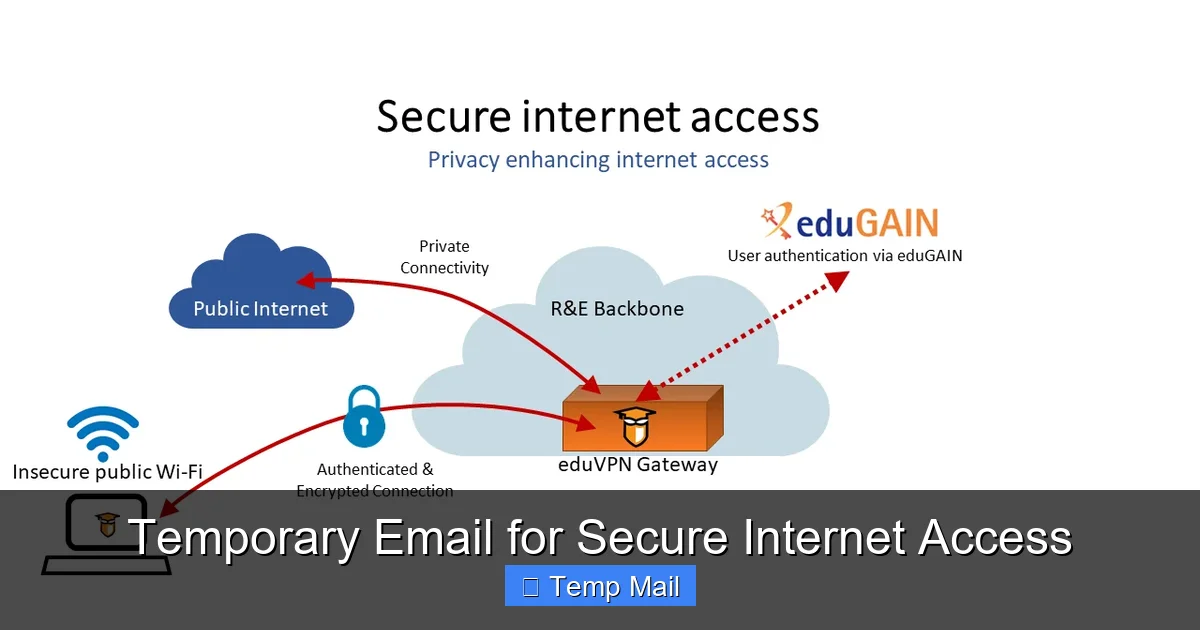
Temporary email services offer a powerful tool for enhancing online privacy and security by providing disposable, anonymous email addresses. These addresses act as a protective barrier between your primary email and the countless online services, forums, and downloads that often lead to spam, data harvesting, and potential security breaches. By using a temporary email for non-critical sign-ups and verifications, you significantly reduce your digital footprint, minimize phishing risks, and maintain control over your personal information, all without any long-term commitment.
Key Takeaways
- Primary Defense Against Spam: Temporary emails effectively shield your permanent email address from spam, promotional newsletters, and data broker lists by isolating online interactions to a disposable inbox.
- Enhanced Anonymity & Privacy: They allow you to interact with websites and services without revealing your true identity or primary email, limiting data collection and profiling by third parties.
- Mitigates Data Breach Risks: If a service using your temporary email suffers a breach, your primary email and linked accounts (like banking or social media) remain safe and unaffected.
- Simple & Cost-Effective: Most temporary email services are free, instant to generate, and require no personal information to create, offering immediate privacy protection with zero setup.
- Not for Critical Accounts: Temporary emails are designed for one-time or low-stakes use; they should never be used for essential accounts (banking, primary cloud storage, main social media) due to their transient nature.
- Provider Trust is Crucial: The security of your temporary email depends heavily on the provider’s privacy policy; some may log IPs or content, so choosing a reputable, no-log service is key.
- Part of a Broader Privacy Toolkit: Using temporary email is one effective layer of a comprehensive digital hygiene strategy, best combined with a password manager, VPN, and 2FA.
📑 Table of Contents
- What Is a Temporary Email and Why Does It Matter?
- The Tangible Benefits: More Than Just Spam Filtering
- How It Works: The Simple, Secure Lifecycle
- Ideal Use Cases: When to Reach for the Disposable
- Critical Limitations and Warnings: What You Must Not Do
- Choosing a Provider: What to Look For
- Integrating Temporary Email into Your Security Routine
- Conclusion: Embracing Controlled Anonymity
What Is a Temporary Email and Why Does It Matter?
Imagine you’re walking through a crowded city. Every store, every vendor, wants your home address to send you brochures, samples, or “exclusive offers.” Soon, your real mailbox is overflowing with junk you never asked for. The internet works much the same way. Every website, app, or forum that asks for your email address is essentially asking for a key to your digital front door. That “key” often leads to a flood of spam, relentless tracking, and a tangled web of your personal data scattered across countless servers. This is where the brilliant simplicity of a temporary email—often called a disposable or burner email—enters the picture.
A temporary email is a service that provides you with a random, functional email address for a short period, typically ranging from a few minutes to several days. You use this address to sign up for a new service, download a file, or access gated content. Once you’re done, you simply abandon it. There’s no password to remember, no inbox to clean, and no long-term linkage to your real identity. It’s like using a public payphone or a rental car—perfect for a specific, temporary need, after which you walk away with no lingering obligations or traces. In an era where data is a commodity and your email address is a primary vector for both marketing and attacks, this tool is not just convenient; it’s a fundamental component of secure internet access.
The Core Principle: Isolation
The genius of the temporary email lies in the principle of isolation. Your primary email address is your digital identity hub. It’s the username for your bank, the recovery email for your social media, and the contact point for your cloud storage. Compromise that one address, and you risk a cascade of security failures. Temporary emails create a sterile, isolated environment for each new online interaction. Think of it as using a different, throwaway glove for every potentially messy task. You use it, you get the job done, and you discard it without ever risking contamination of your main tools.
The Tangible Benefits: More Than Just Spam Filtering
While avoiding spam is the most obvious perk, the benefits of integrating temporary email into your daily browsing are multifaceted and deeply tied to robust security hygiene.
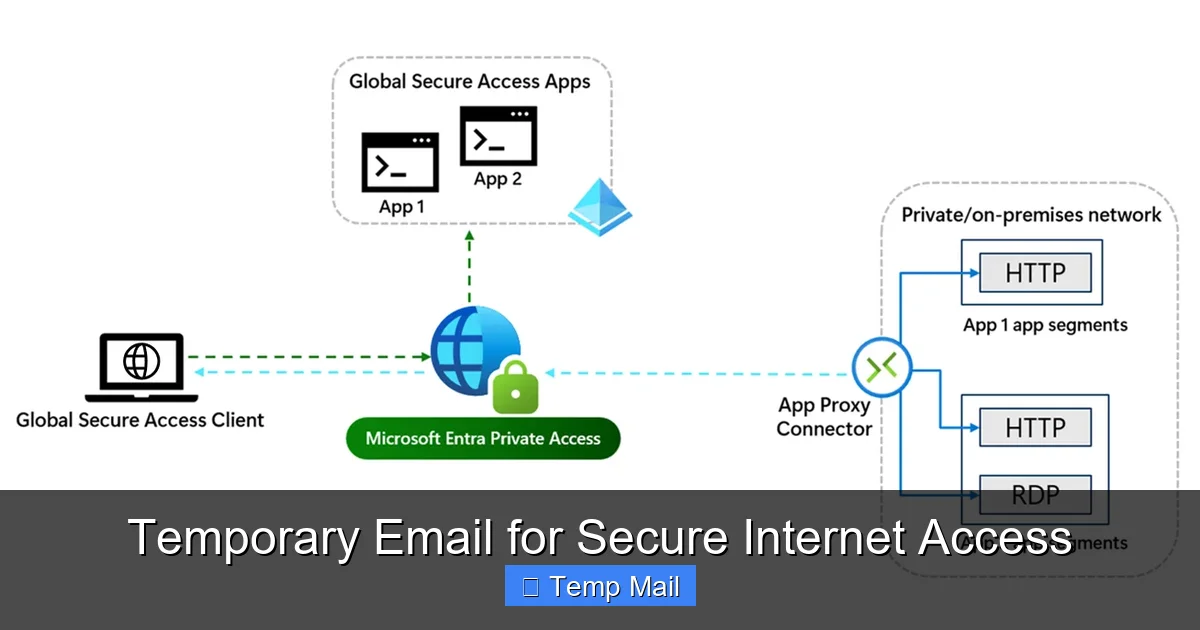
Visual guide about Temporary Email for Secure Internet Access
Image source: learn.microsoft.com
1. A Fort Knox for Your Primary Inbox
Every time you use your real email to sign up for a newsletter, a discount offer, or a one-time tool, you’re adding your address to yet another marketing database. These databases are frequently sold, shared, or leaked. Even if you unsubscribe, your email may remain on the list. A temporary email acts as a sacrificial buffer. The promotional emails, the “important updates” that are really just ads, and the inevitable data breach notifications all go to an address that will self-destruct. Your primary inbox remains a pristine space for communications with family, colleagues, and services you truly trust and need long-term access to.
2. Slashing Your Digital Footprint
Your email address is a unique fingerprint. Data brokers and advertisers use it to stitch together your activity across the web, building a detailed profile of your interests, location, and habits. By consistently using a new, anonymous temporary address for non-essential activities, you break this chain of association. You make it exponentially harder for any single entity to build a comprehensive picture of “you” online. This is a direct, actionable step towards reclaiming your privacy.
3. Phishing and Social Engineering Armor
Phishing emails are designed to look legitimate and often target your primary accounts. They might pretend to be your bank, your cloud service, or your employer. If you only ever give out your temporary email to sketchy or unfamiliar sites, any “security alert” or “account verification” email that arrives at your primary inbox is immediately suspect because that primary address was never used with that service. This cognitive shortcut is a powerful defense against falling for cleverly crafted scams.
4. Bypassing “Email Wall” Restrictions
Many websites, especially those hosting user-generated content, forums, or file-sharing services, require an email to proceed. Some users simply don’t want the hassle or privacy intrusion of using their main email. A temporary email provides an instant, no-fuss solution to access the content or tool they need immediately, respecting their choice to keep their primary identity separate.
How It Works: The Simple, Secure Lifecycle
The process is intentionally straightforward to maximize accessibility and minimize friction.
Visual guide about Temporary Email for Secure Internet Access
Image source: thumbs.dreamstime.com
Step 1: Generation. You visit a reputable temporary email provider website (e.g., Temp-Mail, 10MinuteMail, Guerrilla Mail). The service instantly generates a random email address for you, often with its own dedicated, temporary inbox page already open. No registration, no CAPTCHA, no personal details required.
Step 2: Utilization. You copy that generated address and paste it into the website or service you’re accessing. You proceed with the sign-up, download, or verification as usual. Any confirmation emails or links are sent to the temporary inbox you have open in another tab.
Step 3: Retrieval & Action. You refresh the temporary inbox page to see incoming mail. You click the verification link or copy a code, completing your immediate goal on the original site.
Step 4: Abandonment. Once you have what you need, you close the tab. After a predetermined time—which could be 10 minutes, 1 hour, or 1 day—the email address and all its messages are permanently purged from the provider’s servers. The address is then recycled and given to a new user. Your interaction is gone, leaving no trace linked to you.
What About Security During Use?
It’s critical to understand the security model. The connection between you and the temporary email provider’s website is typically encrypted via HTTPS, just like any major web service. However, the email traffic between the provider and the receiving service (like Gmail or Outlook) is not necessarily encrypted end-to-end. Therefore, you should never send sensitive information like passwords, financial data, or private documents through a temporary email. Its purpose is anonymity and isolation, not secure transmission of secrets. Think of it as a public bulletin board, not a sealed diplomatic pouch.
Ideal Use Cases: When to Reach for the Disposable
Knowing *when* to use a temporary email is as important as knowing how. Here are the prime scenarios where it’s a smart, secure choice.
For One-Time Downloads & Access
You want to download a free ebook, a software trial, or a template from a site that insists on an email. You have zero intention of maintaining a relationship with that vendor. Use a temporary email, get the download link, and move on. No newsletter spam, no follow-up sales calls.
Signing Up on New or Questionable Platforms
You’re trying out a new social network, forum, or app that you’re not sure you’ll stick with. You don’t want to pollute your primary inbox with their notifications or give them a direct line to your established identity. A temporary email lets you test the waters risk-free.
Bypassing “Read More” or “Comment” Gates
Many blogs and news sites use “email walls” to limit free article views or to require an email to comment. If you just want to read one article or leave a quick comment, a temporary email is the perfect key. It respects your desire for access without forcing a long-term subscription.
Creating Test Accounts for Development
Developers and QA testers often need to create numerous test accounts on platforms. Using a primary email for this is messy and can trigger spam filters. Temporary emails allow for clean, isolated, and automated account generation for testing purposes.
Protecting Identity on Marketplaces & Classifieds
When posting an ad on Craigslist, Facebook Marketplace, or similar sites, using your primary email exposes your identity and can lead to unwanted contact. A temporary email provides a layer of anonymity for these public-facing transactions.
Critical Limitations and Warnings: What You Must Not Do
Temporary email is a powerful tool, but it has clear boundaries. Misusing it can lead to real problems.
Never Use for Primary, Long-Term Accounts
This is the golden rule. Do not use a temporary email for your primary cloud storage (Google Drive, iCloud), main social media profiles (Facebook, Twitter, LinkedIn), online banking, investment accounts, or primary email service itself. These are accounts you need permanent, reliable access to. A temporary email will vanish, locking you out forever. Password recovery would be impossible.
Inability to Recover Access
If you forget a password for a site where you used a temporary email, the “forgot password” link will send a reset email to an inbox that no longer exists. You will lose access to that account permanently. There is no customer support that can help you if you’ve used a disposable address.
Potential for Blacklisting
Because temporary email domains are widely used for spam and abuse, some legitimate services and platforms actively block them. You might find that a particular website simply will not accept an address from a known temporary provider. This is a common anti-abuse measure.
No Expectation of Privacy from the Provider
This is the most significant security caveat. You are trusting the temporary email provider. While reputable ones claim no-log policies and purge data quickly, a malicious or compromised provider could log every email you receive and the IP address you accessed it from. You are placing trust in that specific service. For highly sensitive anonymity, you might need more robust tools like Tor and encrypted email services, but for general spam avoidance, established providers are generally safe.
Choosing a Provider: What to Look For
Not all temporary email services are created equal. When selecting one, consider these factors.
No-Log and Privacy Policy
Read the provider’s privacy policy (if they have one). Look for clear statements that they do not log, store, or share your communications or IP addresses. The best services state that emails are deleted from servers immediately after the expiration time or upon your manual deletion.
Inbox Lifespan Options
Do you need 10 minutes, 1 hour, or 1 day? Some providers offer configurable expiration times. Choose a service that matches your typical use case. For quick verifications, 10-15 minutes is plenty. For a forum you might check later, a 24-hour inbox is better.
User Interface & Reliability
A clean, fast-loading interface that automatically refreshes the inbox is a huge usability plus. You don’t want to be manually refreshing every 30 seconds while waiting for a verification email. Also, check if the service has a history of downtime; you need it to be reliable when you need it.
Domain Variety
Some providers offer multiple domain options (e.g., @tempmail.com, @dispostable.com). This can be useful if one domain gets blacklisted by a particular site you’re trying to access.
Ad Intrusiveness
Many free services are ad-supported. While ads are expected, avoid providers with aggressive pop-ups, misleading download buttons, or adult content ads. These can be security risks in themselves (malvertising). A clean, non-intrusive ad experience is a sign of a more professional operation.
Integrating Temporary Email into Your Security Routine
Think of temporary email not as a standalone solution, but as a vital component in a layered defense strategy for secure internet access.
Combine it with a reputable password manager. Your primary email password should be strong, unique, and stored only in your password manager. When you use a temporary email for a site, you can still generate a unique, strong password for *that* site via your password manager, even if the login email is disposable. This protects the account itself if the site is breached.
Use a Virtual Private Network (VPN) alongside your temporary email activity. The VPN encrypts your internet traffic and masks your IP address from the temporary email provider itself, adding an extra layer of anonymity. The provider sees the VPN server’s IP, not yours.
Always enable Two-Factor Authentication (2FA) on your *primary* email and other critical accounts. This is your ultimate fallback. Even if a malicious actor somehow discovers and compromises your primary email password, 2FA with an authenticator app or hardware key will stop them cold.
Finally, practice mindful email hygiene. Once a month, audit the accounts linked to your primary email. Unsubscribe from newsletters you no longer read. For services you no longer use, delete the account if possible. This reduces your attack surface. Use your temporary email for everything else, keeping your primary inbox and its linked accounts as a clean, secure fortress.
Conclusion: Embracing Controlled Anonymity
The internet’s original promise was one of open access and anonymity. Over time, that promise has been eroded by pervasive tracking, data harvesting, and the relentless monetization of personal information. Your email address sits at the center of this ecosystem as both a login and a tracking vector. A temporary email service hands back a piece of that lost control. It’s a simple, free, and profoundly effective tool that allows you to engage with the digital world on your own terms—to access what you need without leaving a permanent, traceable record.
Using a temporary email is not about being paranoid; it’s about being prudent. It’s the digital equivalent of using a coaster for your drink, a bag for your groceries, or a lock on your front door. It’s a small, habitual action that prevents a larger, messier problem down the line. By consciously choosing when to use your permanent identity and when to deploy a disposable shield, you take an active role in securing your internet access. You reduce spam, limit profiling, and insulate your most critical accounts from the collateral damage of data breaches. In the complex landscape of online privacy, the temporary email is a beautifully simple solution—a first line of defense that anyone can and should deploy.
Frequently Asked Questions
Is using a temporary email safe and legal?
Yes, using temporary email services is completely legal in most jurisdictions. It is a legitimate tool for privacy protection. Safety, however, depends on the provider’s practices. Reputable services use HTTPS and have clear no-log policies, making them safe for their intended purpose of avoiding spam and non-critical sign-ups. You should never use them to send sensitive personal data.
How is a temporary email different from a regular email?
The core difference is longevity and personal connection. A regular email (like Gmail or Outlook) is permanent, tied to your identity, and requires a password for access. It’s designed for long-term communication. A temporary email is created instantly without personal information, has a very short lifespan (minutes to days), and requires no login. It’s designed for one-time, anonymous use and is deleted after use.
Can I use a temporary email for important accounts like banking or social media?
Absolutely not. This is the most critical rule. Important accounts require permanent, reliable access. If you use a temporary email for your Facebook account or bank, you will be permanently locked out the moment the address expires, as all recovery and login communications will go to a non-existent inbox. Always use a secure, permanent email for these essential services.
How long does a temporary email last?
It varies by provider. Some inboxes last for just 10 minutes (perfect for a quick verification code), others for 1 hour, and many for 24 hours or even up to a week. The address and all its emails are permanently deleted after this time, and the address is recycled for another user.
Are temporary emails encrypted? Can the provider read my emails?
The connection to the temporary email provider’s website is usually encrypted with HTTPS. However, the emails themselves are generally not end-to-end encrypted between the provider and the final destination (like Gmail). This means the provider can technically read the content of emails passing through their system. This is why you must never send passwords, financial info, or private messages via a temporary address. Its purpose is anonymity from the *recipient*, not secrecy from the *provider*.
Why would a website block a temporary email address?
Websites block temporary email domains to prevent abuse. Spammers, bots, and people creating fake accounts for fraud or trolling heavily rely on disposable emails. By blocking known temporary domains, a website can reduce the amount of spam, fake accounts, and malicious activity on its platform, improving the experience for legitimate users. It’s a common anti-abuse measure.
Leave a Reply