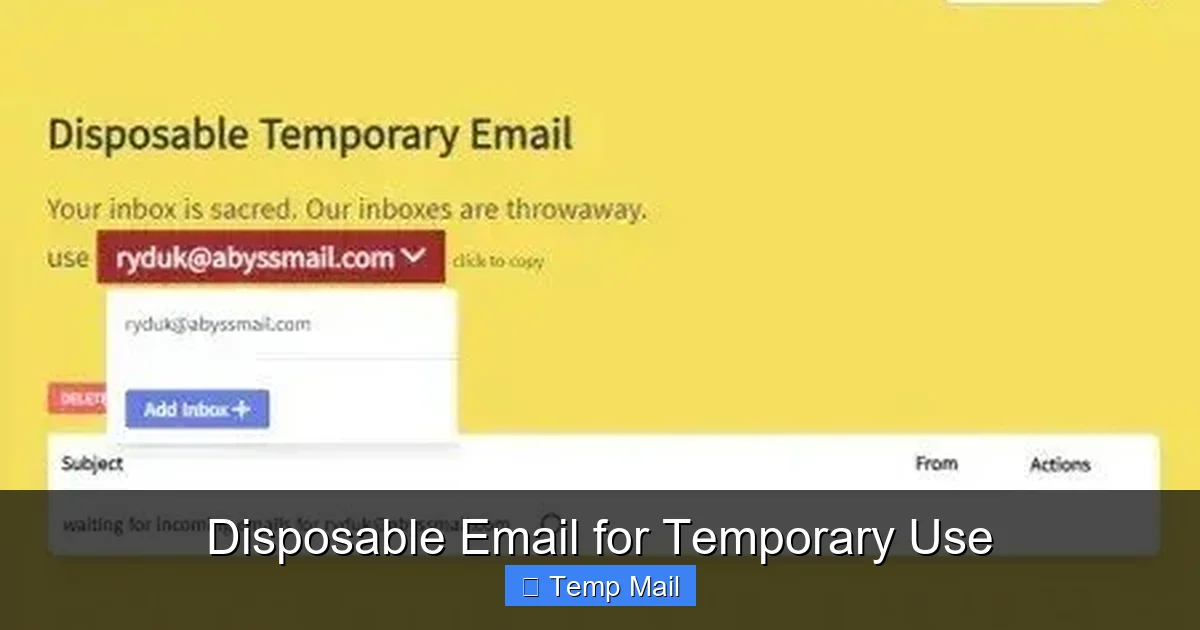
A disposable email for temporary use is a free, short-lived inbox designed to protect your primary email from spam, data breaches, and unwanted marketing. It’s the perfect tool for signing up to websites, downloading files, or verifying accounts where you don’t want to share your real contact information. These services generate a random email address that self-destructs after a set time or number of uses, offering a simple layer of online anonymity.
Key Takeaways
- Core Purpose: A disposable email provides a temporary, throwaway inbox to shield your permanent email address from spam, phishing, and data collection when registering on low-trust websites.
- How It Works: You visit a temp mail website, a random address is generated for you instantly, you use it for a single sign-up or download, and the inbox (and its contents) vanishes after minutes or hours.
- Primary Benefit – Spam Prevention: By using a disposable email, you prevent promotional emails and potential malware links from ever reaching your main, personal, or work inbox.
- Key Limitation – Not for Important Accounts: Never use a disposable email for critical services like banking, primary social media, password recovery for important accounts, or any service requiring long-term access.
- Legal and Acceptable Use: These services are perfectly legal tools for privacy protection. The ethical consideration lies in their use—they should protect *you* from spam, not be used to create fraudulent accounts or evade legitimate bans.
- Provider Variability: Features, lifespan, and security differ between providers. Some offer custom usernames, longer durations, or browser extensions, while others are extremely basic.
- No Real Security: A disposable email offers anonymity, not security. The provider can see all emails sent to that address. It does not encrypt your communications or protect you from sophisticated targeted attacks.
📑 Table of Contents
- What Exactly is a Disposable Email?
- How Disposable Email Services Actually Work
- The Undeniable Benefits: Why Use a Disposable Email?
- Common and Smart Use Cases for Temporary Inboxes
- The Critical Risks and Limitations You Must Know
- How to Choose a Disposable Email Service: A Practical Guide
- Best Practices: Using Disposable Email Safely and Ethically
- The Future of Disposable Email and Digital Privacy
- Conclusion: Embracing Smart, Ephemeral Interactions
What Exactly is a Disposable Email?
Imagine you’re at a crowded street fair, and a vendor asks for your home address to enter you into a prize draw. You’re pretty sure you’ll never hear from them again, and you don’t want them sending catalogs to your doorstep for the next decade. What do you do? You might give them a friend’s address, or perhaps a PO box. In the digital world, a disposable email is your digital PO box for exactly this scenario. It’s a temporary, anonymous email address that you can use for a specific, short-term purpose and then discard without any consequence to your real identity or primary inbox.
These services, often called “temp mail,” “throwaway email,” or “10-minute mail,” have become essential tools in the modern internet user’s privacy toolkit. They sit between you and the countless websites, forums, blogs, and download portals that insist on an email address for basic access. The fundamental promise is simple: get the content or access you need, keep your primary email clean, and walk away without a trace. But how did this concept come about, and what makes it tick?
The Genesis of Throwaway Inboxes
The disposable email concept emerged in the early 2000s as a direct response to the escalating war on spam. As email became ubiquitous, so did unsolicited commercial email. Companies began using “free” offers—like an e-book or software trial—as bait to collect email addresses, which were then sold to third-party marketers or used for their own relentless promotions. The “ unsubscribe” link often led nowhere, trapping users in a cycle of spam. Disposable email services provided an escape hatch, allowing users to satisfy a website’s requirement without handing over their valuable, personal contact information.
Early pioneers like Mailinator (launched in 2004) popularized the idea of completely public, no-login-required inboxes. You simply went to the site, a random address was assigned, and anyone could view that inbox. This was incredibly convenient but raised obvious privacy concerns, as emails were visible to anyone who knew the address. Modern services have evolved, offering private, password-protected temporary inboxes for the duration of their lifespan, striking a better balance between convenience and user privacy.
How Disposable Email Services Actually Work
The mechanics behind a disposable email for temporary use are deceptively simple, which is part of their appeal. There’s no complex software to install or lengthy sign-up process. The entire system is designed for instant gratification and immediate disposal.
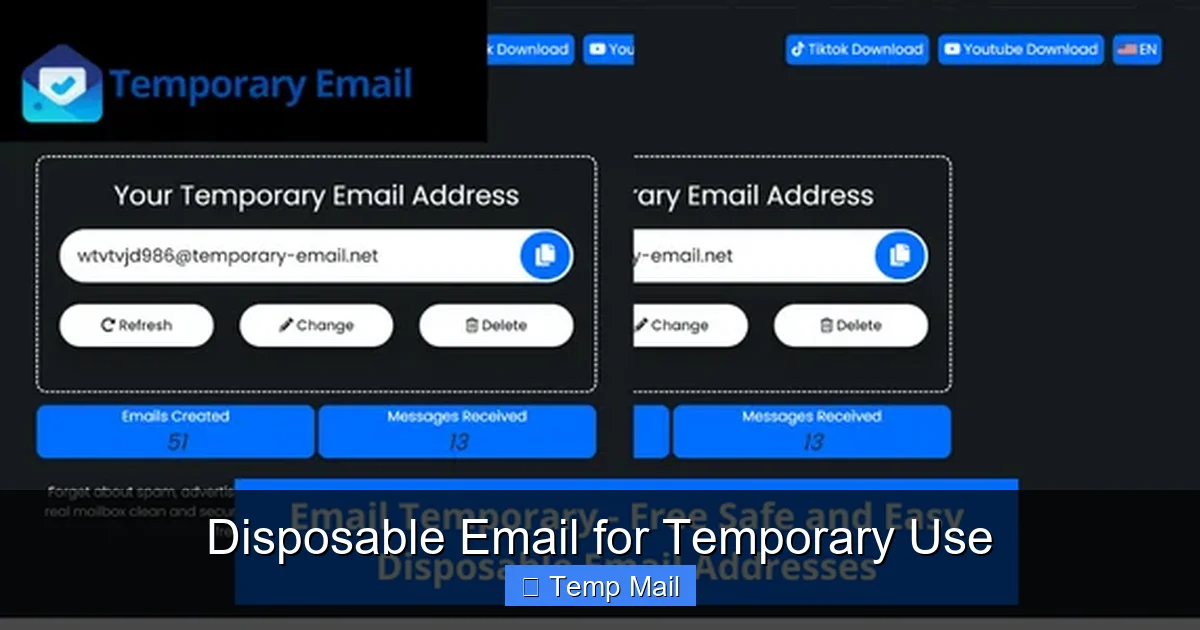
Visual guide about Disposable Email for Temporary Use
Image source: profitable-business.net
The Step-by-Step Process
Using a disposable email service typically follows these four effortless steps:
- 1. Visit the Service Website: You navigate to a provider like Temp-Mail.org, 10MinuteMail.com, or Guerrilla Mail. No account creation is needed.
- 2. Automatic Address Generation: The website instantly generates a random email address for you, often something like xyz789@tempmail.net. It might also provide a corresponding inbox view right on the page.
- 3. Use the Address: You copy this temporary address and paste it into the website or service that is requesting your email. You then proceed to download the file, read the article, or complete the registration.
- 4. Check the Inbox & Forget: If you need a verification code or download link, you check the temporary inbox displayed on the provider’s site. Once you’ve retrieved what you need, you simply close the browser tab. After a predetermined time (often 10 minutes to 1 hour) or if the inbox is inactive, the address and all its emails are permanently deleted from the server.
Some advanced services offer browser extensions or mobile apps that streamline this process even further, automatically suggesting a disposable email when you encounter a sign-up form.
Behind the Scenes: Server & Domain Management
What powers this magic? Service providers own or lease large pools of domain names (like @dropmail.me, @tmpmail.org) and set up mail servers configured to accept mail for any address at those domains without requiring prior account creation. When you visit the site, the server assigns you a unique local part (the part before the @) and associates it with a temporary session in their database. All incoming mail for that address during your session is routed to your private, session-specific inbox view. The “disposable” part comes from aggressive database cleanup policies—old sessions and their associated email data are purged automatically and frequently.
The Undeniable Benefits: Why Use a Disposable Email?
Choosing to use a disposable email isn’t about being paranoid; it’s about being prudent. The benefits extend far beyond just avoiding a few spam newsletters.
Visual guide about Disposable Email for Temporary Use
Image source: image.winudf.com
1. Spam and Junk Email Annihilation
This is the number one reason people seek out temp mail. Every time you use your primary email to sign up for a forum, a discount site, or a free app, you’re adding your address to another marketing list. Even if you unsubscribe later, your address has already been shared and sold. A disposable email acts as a sacrificial buffer. Any follow-up spam, promotional blasts, or “special offers” are sent to an address that will vanish in an hour, leaving your main inbox pristine and under your control.
2. Enhanced Privacy and Anonymity
Your email address is a key piece of your digital identity. It can be used to look up your social media profiles, track your activity across sites (through login services like “Sign in with Google”), and build a profile of your interests for targeted advertising. By using a temporary address for low-stakes interactions, you minimize the linkages between your real identity and your browsing activity. It’s a simple but effective step towards reducing your overall digital footprint.
3. Bypassing Content Gates and Paywalls
Many reputable websites and publishers use a common tactic: you want to read an article or download a whitepaper, but you must provide an email address first. While some users are happy to subscribe, many just want the single piece of content. A disposable email allows you to respect the site’s gate (you did provide an email) while avoiding the long-term commitment of a newsletter subscription you’ll never read.
4. Avoiding Data Breach Fallout
Data breaches are a weekly occurrence. When a company you’ve signed up with gets hacked, your email address is one of the first pieces of data exposed. Hackers then use that email to launch phishing attacks against you or try to crack passwords on your other accounts (a technique called “credential stuffing”). If the breached email was a disposable one, the attack vector is completely cut off. Your real, important accounts remain safe because the compromised address no longer exists.
5. Safe Testing and Development
For developers, QA testers, or anyone building automated scripts (bots), disposable emails are invaluable. They can be used to test email verification flows, sign-up processes, or notification systems without polluting real user databases or risking personal accounts. It’s a clean, repeatable way to simulate user actions.
Practical Example: The Download Dilemma
Let’s say you find a useful, free software tool on a blog. To download it, the site requires you to enter your email to receive a link. You suspect this is a lead-generation tactic. Here’s the ideal workflow with a disposable email:
- Open a new tab and go to your preferred temp mail service.
- Copy the generated email address (e.g., a8f3c@tempmail.net).
- Paste it into the download form on the blog and submit.
- Switch back to the temp mail tab. Within seconds, the download link arrives.
- Click the link, download the software, and close the tab.
- The temporary email address and the download link email are gone forever in 10 minutes. No follow-up from the blog. No spam.
Common and Smart Use Cases for Temporary Inboxes
Knowing that you can use a disposable email is one thing; knowing when and how to use it effectively is another. Let’s explore the practical scenarios where these services shine.
Signing Up for New Online Services & Apps
This is the bread and butter of disposable email use. Before you commit to a new social platform, messaging app, or cloud service, you might want to test it out. Using your primary email means you’re on their mailing list forever, even if you delete the account. Using a temp mail lets you explore the service risk-free. If you love it and decide to keep it, you can always go back later and add your real email to your account settings for recovery and notifications.
Accessing Gated Content
As mentioned, bloggers, journalists, and marketers often gate high-value content (research reports, in-depth guides) behind an email form. A disposable email is the perfect key. You get the content you need immediately, and you don’t have to feel guilty about unsubscribing later from a newsletter you never intended to receive. It respects your time and attention.
Forum Registrations and Commenting
Many online forums, especially older or tech-focused ones, require registration to post or view certain threads. These forums can be hotspots for spam, and your email might be visible to other users. A temporary address lets you participate in a discussion or ask a question without exposing your identity or risking your main inbox.
One-Time Promotions and Coupons
See a great deal that requires an email sign-up for a coupon code? Use a disposable address. You get the discount code, use it, and the promotional emails that follow are sent to a dead end. This is especially useful for retail sites you’ll likely never shop at again.
Creating Test Accounts for Software
If you’re a developer or even a power user testing a new feature that requires multiple accounts (e.g., a multi-user collaboration tool), disposable emails allow you to spin up as many test accounts as you need quickly and cleanly, without managing a zoo of real email aliases.
Protecting Your Identity on Public Wi-Fi
When you’re on an unsecured public network (at a cafe, airport), your data is more vulnerable. If you need to sign up for a service while out and about, using a temporary email from a secure HTTPS-enabled temp mail site adds a small layer of operational security. The site you’re signing up for won’t have your real email, and your session is transient.
The Critical Risks and Limitations You Must Know
While powerful, a disposable email is not a magic bullet for all your privacy problems. Understanding its limitations is crucial to using it safely and effectively.
1. Zero Long-Term Access or Recovery
This is the most important rule. Once the inbox expires, everything is gone. If a website you signed up with later sends a password reset link, an important account notification, or a receipt, you will never see it. There is no “forgot password” for a disposable address. This is why you must never, under any circumstances, use one for:
- Banking, financial services (PayPal, Venmo), or cryptocurrency exchanges.
- Your primary email account (Gmail, Outlook, etc.) or any account used for password recovery.
- Important cloud storage (Dropbox, Google Drive) or document signing services.
- Social media accounts you wish to keep long-term (Facebook, Twitter, LinkedIn).
- Any service that is critical to your daily life, career, or finances.
2. The Provider is a Middleman You Must Trust
When you use a disposable email service, you are trusting that provider with all the emails sent to that temporary address. While most reputable services delete data aggressively, a malicious or compromised provider could read, log, or even modify the emails you receive. You have no control over their security practices. Therefore, never use a disposable email for:
- Sending or receiving sensitive personal information (SSN, ID numbers).
- Confidential business communications.
- Any communication where legal privilege might apply.
3. Many Websites Actively Block Them
The popularity of disposable emails has not gone unnoticed. Major platforms like Google, Facebook, Twitter, and many banking or SaaS (Software-as-a-Service) companies maintain lists of known disposable email domains and actively block sign-ups from them. They see them as a fraud and spam risk. If you try to use one on these sites, you’ll likely get an error message: “This email domain is not supported.” You’ll need your real email for these services anyway.
4. No Encryption or Advanced Security Features
Your standard Gmail or ProtonMail account offers two-factor authentication (2FA), end-to-end encryption (in some cases), and robust login alerts. Disposable email services are designed for speed and anonymity, not high security. They typically offer no 2FA. The inbox view is often just a simple web page. If someone gained access to your computer while the temp mail tab was open, they could see your temporary inbox. The security model is based on the ephemeral nature of the address, not strong access controls.
5. Potential for Abuse and Blacklisting
Because they are anonymous, disposable emails are sometimes used for abusive purposes: creating fake accounts to spam, post hate speech, or launch automated attacks. This can lead to the entire domain of a disposable email provider being blacklisted by other email services. If you use a temp mail from a blacklisted domain, your emails might not be delivered at all, or they might land straight in the recipient’s spam folder. This is a constant cat-and-mouse game for providers.
How to Choose a Disposable Email Service: A Practical Guide
Not all temp mail services are created equal. When selecting one, consider these factors based on your specific needs.
Core Criteria for Evaluation
- Inbox Lifespan: How long does the inbox last? 10 minutes? 1 hour? 1 day? For a quick download link, 10 minutes is fine. For a forum registration where you might need to click a confirmation link later, you need at least a few hours. Look for services that let you extend the time (often by clicking a refresh button).
- Domain Options: Some services offer multiple domain choices (e.g., you can get an address ending in @dropmail.net or @tmpmail.org). If one domain is blocked on a site you’re trying to sign up for, switching to a different domain from the same provider might work.
- Customization: Can you choose your own username, or is it completely random? A random string is more anonymous, but a custom one (within the service’s rules) is easier to remember if you need to check the inbox a few times.
- Security & Privacy Policy: Does the provider state they do not log IP addresses? Do they use HTTPS? Read their privacy policy briefly. A clear statement about not storing data after expiration is a good sign.
- Ad Load & User Experience: Many free services are supported by ads. Some are aggressively cluttered with pop-ups and misleading download buttons. Choose a provider with a clean, functional interface so you can actually find your inbox and the emails you need.
- Additional Features: Look for useful extras like:
- Browser Extensions: Auto-fill disposable emails on sign-up forms.
- API Access: For developers to integrate temp mail into their testing workflows.
- Password Protection: Some services allow you to set a simple password for your temporary inbox, adding a tiny layer of privacy if you’re on a shared computer.
- Multiple Inboxes: The ability to open several temporary addresses at once from the same session.
Popular Service Examples & Their Niche
While I cannot endorse specific companies, here are archetypes you’ll find:
- The Minimalist (e.g., 10MinuteMail): Extremely simple, fast, and focused on the shortest possible lifespan. Perfect for a single, immediate action. The address and inbox are gone in 10 minutes.
- The Extended-Use Provider (e.g., Temp-Mail): Offers longer default lifespans (often 1-2 days), multiple domain choices, and sometimes the ability to extend time. Better for activities that might span a few hours.
- The Privacy-Focused Service: Some providers are based in privacy-friendly jurisdictions, have stricter no-logs policies, and may offer slightly longer durations with a focus on being a privacy tool rather than just a convenience tool.
- The Developer/API Tool: Services like Mailinator have robust APIs that developers use to programmatically create and check disposable inboxes for automated testing. These are less for casual user use and more for technical workflows.
Tip: Keep 2-3 different providers bookmarked. If a site blocks the domain from one, try another. This simple trick bypasses many basic blocks.
Best Practices: Using Disposable Email Safely and Ethically
To get the most out of a disposable email for temporary use while staying safe and on the right side of netiquette, follow these guidelines.
The Golden Rules
- Never Use for Critical Accounts: Repeat after me: no banking, no primary email recovery, no essential SaaS subscriptions. This is non-negotiable. The moment you need long-term access, you’ve made a mistake.
- Assume Zero Privacy from the Provider: Do not send sensitive data. Treat the temporary inbox as a public bulletin board. The provider can see everything.
- Check the Inbox Promptly: If you need a verification code, check the temp mail inbox immediately. Some services auto-refresh, but it’s good practice to manually refresh. Don’t wait 30 minutes; the inbox might be gone.
- Use a Different Address for Different Purposes: Don’t reuse the same disposable address for multiple unrelated sites. The purpose is compartmentalization. If one address gets spam-listed (from the site you used it on), it doesn’t matter because it’s already dead. Reusing it defeats the purpose.
- Clear Your Browser History: For an extra layer of cleanliness, close the temp mail browser tab and clear your recent browsing history, especially if you’re on a shared or public computer.
Ethical Considerations
Disposable emails are tools for privacy protection, not for deception. Using one to:
- Create multiple accounts to circumvent a website’s “one account per person” rule.
- Evade a legitimate ban from a forum or community.
- Sign up for a free trial with the intent to never pay, using a new temp email each time to avoid detection.
…is unethical and often violates a service’s Terms of Use. Use these tools to protect yourself from unwanted contact, not to engage in unwanted behavior yourself. The line is clear: protecting your inbox from spam is good; fraudulently obtaining services is not.
When to Avoid Them Altogether
Even for non-critical sign-ups, sometimes a disposable email is the wrong tool:
- For Professional or Client Communication: If you’re signing up for a freelancing platform, a business tool, or any service where you’ll have a professional relationship, use your real, professional email. It builds trust.
- When an Account is a Gateway: If the service you’re signing up for is itself a gateway to other important things (e.g., a project management tool where you’ll invite your team, a cloud storage service where you’ll keep files), use your real email from the start.
- If the Service is Highly Reputable and You Trust It: For a company you know and respect with a clear, easy-to-manage unsubscribe policy, using your main email might be acceptable. The spam risk is low.
The Future of Disposable Email and Digital Privacy
The cat-and-mouse game between privacy tools and data collectors is perpetual. Where is the humble disposable email headed?
An Arms Race with Blocklists
As long as websites try to harvest emails for marketing, and users try to avoid spam, disposable email services will exist. However, the blocking will get more sophisticated. We may see services that use dynamic, constantly changing domain names or more advanced techniques to evade simple blocklist checks. Conversely, AI-powered email validation services will get better at detecting patterns typical of temporary email domains.
Integration with Broader Privacy Suites
We’re already seeing disposable email features baked into broader privacy tools. Password managers like Bitwarden and browser-focused privacy suites are starting to offer built-in alias generation (which is a more sophisticated, forwardable version of a disposable email). These “email aliasing” services (like SimpleLogin or AnonAddy) create a unique, forwardable address for each site, but mail is ultimately delivered to your real inbox. This offers better usability for long-term sign-ups while still protecting your primary address. Disposable emails (which are not forwardable) will likely remain the tool for the most ephemeral, one-off interactions, while aliasing solves the “I want to sign up but keep my real email hidden” problem for services I actually use.
Regulatory Shadows
Laws like GDPR (in Europe) and CCPA (in California) give users more control over their personal data, including email addresses. Theoretically, these laws could make it harder for companies to use data collected via disposable emails, as they cannot easily link it to a real person for marketing profiling. However, enforcement is tricky. The more likely impact is that companies will double down on requiring verified, real emails for any service that involves payments or legal agreements, pushing disposable emails further into the realm of “content gating” only.
The User’s Evolving Mindset
The ultimate shift is in user behavior. The average internet user is now more aware of data collection practices. The question is no longer “Should I use a disposable email?” but rather “Which privacy tool is right for this specific interaction?” The informed user will have a spectrum of tools: a robust, secure primary email; an email aliasing service for regular sign-ups; and a disposable email service for the truly transient, one-time-only interactions. Understanding the distinct role of each is the key to mastering digital privacy in the 2020s and beyond.
Conclusion: Embracing Smart, Ephemeral Interactions
The disposable email for temporary use is a deceptively simple yet profoundly effective tool in the ongoing battle for online privacy and inbox sanity. It represents a philosophy of “minimum necessary exposure”—you give a website only the information it absolutely requires for the specific task at hand, and nothing more. In an ecosystem designed to harvest and monetize your email address, this act of temporary anonymity is a small but significant form of digital self-defense.
Its power lies in its simplicity and its finality. There is no account to delete, no subscription to manage. The address exists, serves its purpose, and vanishes. This makes it perfect for the vast number of online interactions that are, by nature, transactional and fleeting: the download, the quick forum post, the gated article, the trial sign-up. For these moments, a disposable email is not just convenient; it’s the smart, responsible choice.
However, its limitations are its defining features. The lack of persistence means you cannot rely on it for anything important. The anonymity means you cannot trust it with sensitive data. The key is discernment. By understanding exactly when and how to use these services—and, just as importantly, when not to—you can dramatically reduce spam, minimize your data breach exposure, and take concrete control over your digital footprint. In the grand scheme of your online life, your primary email address is your home. A disposable email is a perfectly good, anonymous motel room for a night. Use the motel room for the quick stopover, and keep your home address safe and private.
Frequently Asked Questions
Is using a disposable email legal?
Yes, using a disposable email service is completely legal in virtually all jurisdictions. These are legitimate businesses providing a communication service. The legality question arises from how the service is used; using it to commit fraud, evade legal obligations, or harass others is illegal, regardless of the email type used.
Can disposable emails be traced back to me?
Generally, no. The email address itself is randomly generated and not linked to your identity. However, your activity can be traced by your IP address by the disposable email provider (unless they have a strict no-logs policy) and, more obviously, by the website you are signing up with using that temporary address. The site you visit will see the disposable email, not your real one.
What happens if I need to reset a password for an account I signed up with a disposable email?
You will be unable to reset the password. The reset link will be sent to the disposable inbox, which no longer exists. This is why it is critical to never use a disposable email for any account where you need long-term access or recovery options. You would lose access to that account permanently.
Are disposable emails secure?
They offer anonymity, not strong security. The inbox is typically accessible to anyone who knows the random URL or address during its short lifespan. They lack features like two-factor authentication. Their “security” comes from the fact that the address and its contents are quickly destroyed, limiting the window of exposure. Do not use them for sensitive communications.
Why do some websites block disposable email addresses?
Websites block them primarily to combat spam, fraud, and abuse. Disposable emails make it easy for bad actors to create numerous fake accounts for posting spam, scraping content, or launching attacks. They also indicate a user who may be less engaged (and more likely to unsubscribe), which hurts the site’s sender reputation with email providers like Gmail.
What is the difference between a disposable email and an email alias?
A disposable email is a standalone, temporary inbox that receives mail and then is deleted. You cannot access it after it expires, and mail is not forwarded. An email alias (from services like SimpleLogin or DuckDuckGo’s Email Protection) is a unique forwarding address. Mail sent to the alias is automatically forwarded to your real, permanent inbox. You can still send from the alias. Aliases are for long-term use on sites you trust but don’t want to share your main address with; disposable emails are for one-off, low-trust interactions.
Leave a Reply